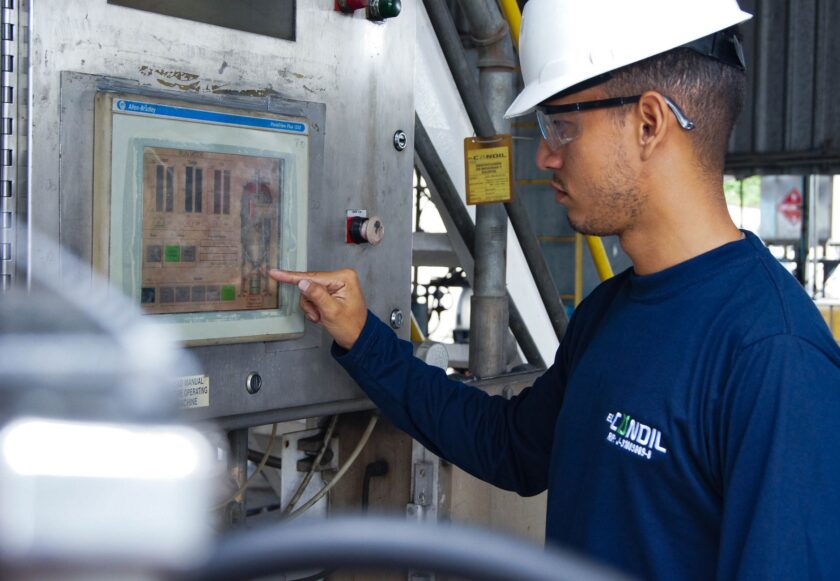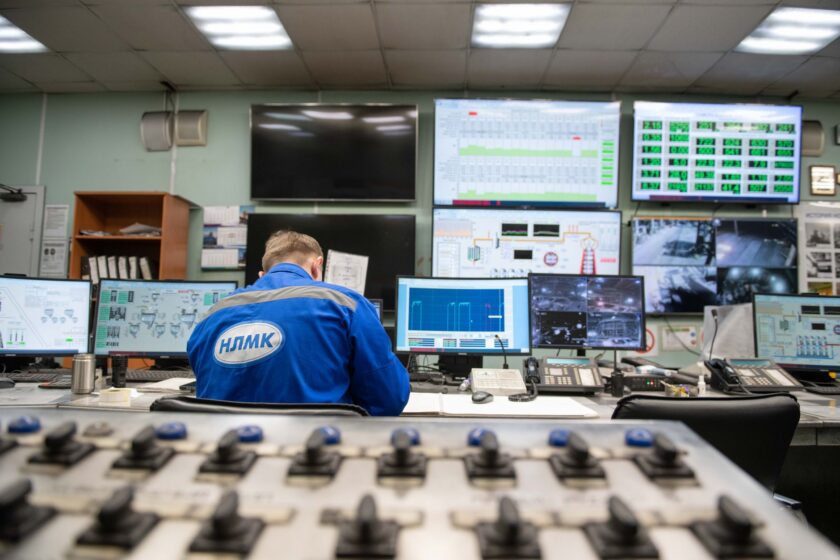
Plants standing up OPC UA Alarms & Conditions (A&C) for the first time tend to make the same mistake: they treat it as a wiring exercise. Point the MES or SCADA client at the server, subscribe to the AlarmConditionType events, map a few fields, done. Then the line restarts after a changeover, four hundred alarms fire in eleven seconds, the operator dashboard turns solid red, and everyone on the floor learns within a week that the new “smart” alarm panel is noise. Once that happens, you don’t get a second first impression. Adoption of whatever KPI or OEE dashboard you built on top of it dies quietly.
Getting A&C right isn’t hard, but it does require treating it as an alarm management project first and an integration project second. Here’s the order of operations that actually works.
Start with rationalization, not configuration
Before you touch the OPC UA server’s alarm configuration, you need a rationalized alarm list — the ISA-18.2 term for a list that’s been reviewed line by line for whether each alarm requires operator action, and if so, how urgently. If your plant has never done this, do not skip it because the OPC UA project has a deadline. An unrationalized tag list dumped straight into an A&C server just gives you the same flood problem with a fancier transport layer underneath it.
ISA-18.2 defines four priority levels in most implementations — commonly Low, Medium, High, and sometimes Critical/Emergency — each tied to how much time an operator has to respond before consequences occur. That’s the input. OPC UA’s AlarmConditionType doesn’t have a “priority” field in that ISA-18.2 sense; it has a Severity attribute, an integer from 1 to 1000, where the specification only anchors the low, medium, and high bands loosely and leaves the mapping to you. This is the single most common source of downstream confusion: two different integrators map ISA-18.2 priorities to OPC UA severity differently, and now your MES dashboard and your SCADA HMI disagree about what “High” means.
Fix the mapping table before you fix anything else
Write down, in a document everyone on the project can see, the exact numeric severity ranges that correspond to each ISA-18.2 priority tier at your site. A typical approach:
- Low priority alarms map to a low severity band (roughly 1–333)
- Medium priority maps to the middle band (roughly 334–666)
- High and Critical map to the top band (roughly 667–1000), often with Critical pinned near 1000 so it always sorts first regardless of client
The exact numbers matter less than consistency. Every OPC UA server on site — PLC-side OPC UA stacks, SCADA historians, MES alarm services — needs to use the same bands. If your automation vendor’s default severity scheme doesn’t match your ISA-18.2 tiers, override it explicitly in configuration rather than letting each subsystem apply its own defaults. This is also the point to decide how you’ll carry the ISA-18.2 alarm class and consequence text — OPC UA lets you pass this as additional fields on the condition (via ConditionType subtypes or vendor-specific fields), and MES needs to consume those, not just severity, if operators are going to get context instead of a bare number.
Design for the restart flood, because it will happen
The classic failure mode: a line goes down, comes back up, and every device that was in an alarm state during the outage re-announces itself simultaneously — communication faults clearing, safety interlocks resetting, sensors coming back online out of calibration range for a few seconds. Without handling, all of that lands on the operator dashboard at once, often duplicated because both the local HMI and the MES alarm client subscribed to the same source.
A few concrete mitigations that work in practice:
- Use shelving and suppression, not deletion. OPC UA A&C supports alarm shelving (temporarily hiding an alarm without losing the underlying condition) and suppression tied to operating state. Configure known “startup sequence” tags so that alarms which are expected during a defined restart window are automatically suppressed rather than surfaced, then automatically un-suppress once the line reaches steady state.
- Debounce at the source, not the dashboard. If a signal chatters near a threshold, fix the deadband or add a time delay in the PLC or the alarm condition definition itself. Filtering flood at the MES layer after the fact just moves the problem and adds latency to the alarms that do matter.
- Rate-limit the event subscription. Most OPC UA A&C clients let you configure a maximum notification rate per subscription. Set a sane ceiling and let the server queue or aggregate, rather than letting a burst overwhelm the dashboard renderer.
- Deduplicate at the integration layer. If both a PLC-native OPC UA server and a SCADA historian are exposing the same physical alarm, decide on one system of record and have MES subscribe to that one. Subscribing to both because “more data is better” is how you get the same alarm showing twice with two different timestamps and no obvious way to tell they’re the same event.
Wire acknowledgment as a real state machine, not a button
This is where a lot of otherwise-solid A&C deployments quietly fall apart. OPC UA’s alarm model has distinct states — Active, Acknowledged, Confirmed, and their combinations — and each transition should be a deliberate operator action reflected everywhere, not just wherever the click happened.
If an operator acknowledges an alarm on the local HMI but that acknowledgment doesn’t propagate back through the OPC UA server to the MES dashboard (and vice versa), you get the exact failure that erodes trust fastest: an alarm the operator already handled sitting there stale on a KPI screen, looking unaddressed. Acknowledgment needs to be written back to the shared condition state on the server, not just recorded locally in whichever client happened to receive the click. Practically, that means:
- Pick one OPC UA server as the authoritative source for each alarm’s state, and make sure every client — MES, SCADA, any mobile alert app — calls the server’s Acknowledge/Confirm methods rather than maintaining its own local acknowledgment flag.
- Confirm that “Confirmed” (the alarm condition has returned to normal and been formally closed out) is distinct from “Acknowledged” (someone has seen it) in your MES logic. Conflating the two is a common cause of alarms that seem to vanish before the underlying condition is actually resolved.
- Log the operator ID and timestamp on every acknowledgment. This is both an ISA-18.2 audit expectation and the raw data you’ll eventually want for response-time analysis on the same dashboard you’re building alarms for.
What “done right” looks like
A properly configured A&C setup is almost boring to watch. Alarms that matter show up with consistent priority coloring across every screen in the plant. A line restart produces a handful of relevant alerts, not a wall of red. An operator acknowledgment on the floor clears the same alarm on the supervisor’s dashboard within a second or two, not a stale duplicate that lingers for a shift. And when someone eventually pulls alarm-rate reports to check ISA-18.2 performance metrics — average alarms per operator per shift, percentage of time in flood — the numbers are usable because the underlying event stream wasn’t garbage to begin with.
None of this requires exotic tooling. It requires doing the rationalization work before the integration work, agreeing on one severity mapping across every server, designing explicitly for the restart case instead of hoping it doesn’t happen, and treating acknowledgment as shared state rather than a per-screen checkbox. Skip any one of those and the OPC UA layer will faithfully transport a flood straight to the people least equipped to sort through it.
This article was written with the assistance of artificial intelligence. While we aim for accuracy, the information may be incomplete, out of date, or incorrect, and should be independently verified before you rely on it for any decision. It is provided for general information only and does not constitute professional advice.